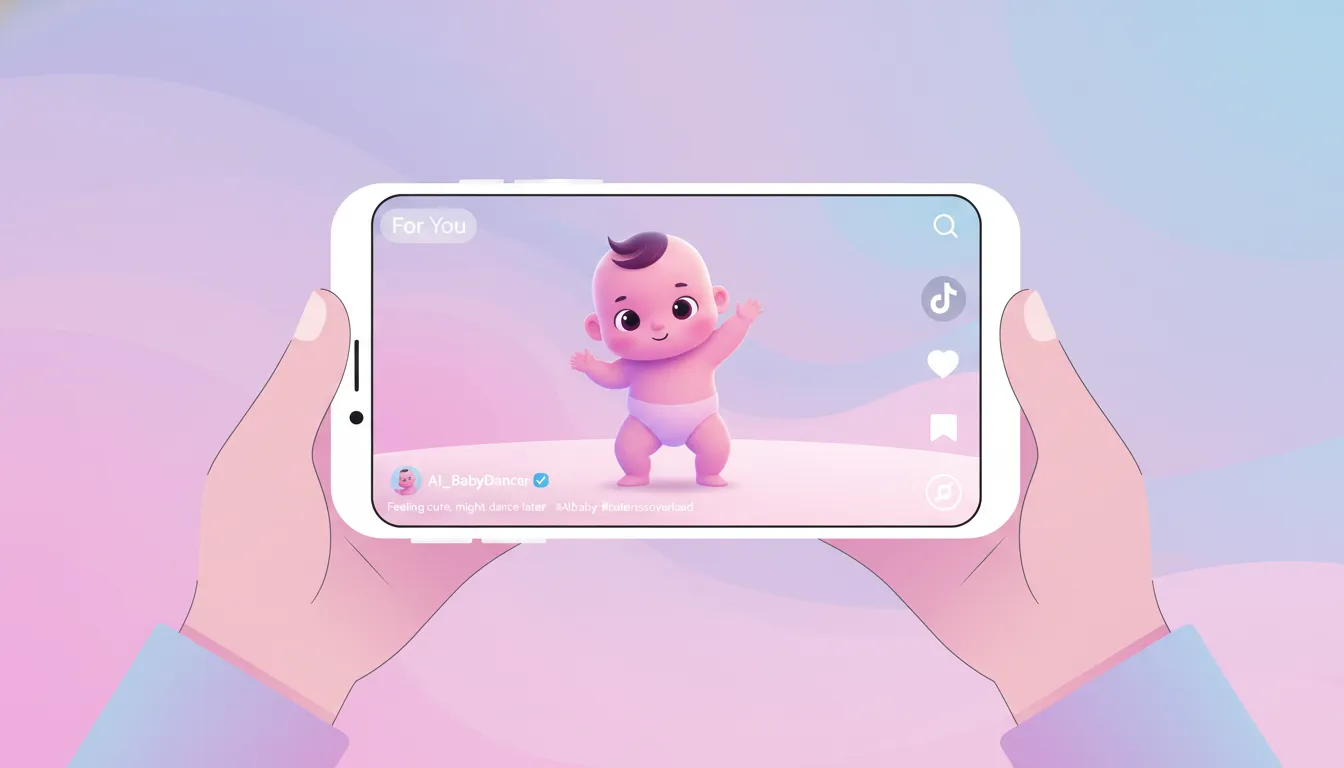
No computer? No problem. This complete mobile guide shows you exactly how to create viral AI baby dance videos using just your smartphone. Whether you're on iPhone or Android, you'll be creating TikTok-worthy content in under 10 minutes.
TL;DR: Mobile Baby Dance Workflow
- Generate baby image → Leonardo AI app or Kling AI mobile
- Create dance video → Kling AI / HitPaw AI Marvels app
- Edit & add music → CapCut mobile
- Post directly → TikTok / Instagram Reels
Total time: 5-10 minutes per video
Cost: Free (with optional paid upgrades)
Why Mobile Matters for AI Baby Dance Content
Here's a truth most tutorials won't tell you: The top baby dance creators work entirely on mobile. Why?
- 📱 Direct posting to TikTok and Instagram (no quality loss)
- ⚡ Faster workflow than desktop for short-form content
- 🎵 Native trending sounds access in editing apps
- 📍 Create anywhere during commutes, breaks, or travel
The 2026 generation of mobile AI apps has caught up to desktop quality. Let's dive into the complete workflow.
Required Apps (All Free to Start)
For iPhone Users:
| App | Purpose | Free Tier |
|---|---|---|
| Kling AI | Video generation | 66 credits/day |
| HitPaw AI Marvels | Baby dance templates | 3 videos/day |
| CapCut | Video editing | Unlimited |
| Leonardo AI | Baby image generation | 150 credits/day |
For Android Users:
| App | Purpose | Free Tier |
|---|---|---|
| Kling AI | Video generation | 66 credits/day |
| HitPaw AI Marvels | Baby dance templates | 3 videos/day |
| CapCut | Video editing | Unlimited |
| Leonardo AI | Baby image generation | 150 credits/day |
Good news: All apps work on both platforms with identical features.
Step 1: Generate Your Baby Character
Before creating dance videos, you need a baby image. Never use photos of real children—always generate AI babies.
Method A: Using Leonardo AI (Recommended)
Download: App Store / Google Play → Search "Leonardo AI"
Steps:
- Open Leonardo AI and sign in
- Tap "Create" → "Image Generation"
- Use this optimized prompt:
Adorable 1-year-old baby with bright eyes and cute
smile, wearing colorful party outfit, white studio
background, professional photography lighting,
photorealistic, high detail face, looking at camera- Select "Photoreal" model
- Generate 4 images, pick the best
- Save to camera roll
Pro Tips:
- Generate several options—you'll need variety for multiple videos
- Front-facing poses work best for dance videos
- Avoid complex backgrounds (they'll change during animation)
Method B: Using Kling AI Mobile
Download: App Store / Google Play → Search "Kling AI"
Steps:
- Open Kling AI app
- Navigate to "Image" → "AI Images"
- Enter baby description prompt
- Generate and save
Credit cost: ~10 credits per image
Step 2: Create the Dance Video
Now the magic happens. Here are two proven mobile workflows:
Workflow A: Kling AI Motion Control (Best Quality)
When to use: When you have a specific dance reference video you want to copy.
Steps:
- Open Kling AI app
- Navigate: Create → Image to Video → Motion Control
- Upload your baby image from camera roll
- Add motion reference:
- Use a downloaded dance video, OR
- Record yourself doing the dance
- Settings:
- Duration: 5 seconds (uses fewer credits)
- Mode: Standard (for free tier)
- Creativity: 0.5 (maintains character consistency)
- Tap Generate
- Wait 3-7 minutes
- Download to camera roll
Credit usage: 20-35 credits for 5-second video
Quality tip: Motion reference videos should be:
- Clear, well-lit footage
- Single person dancing
- Full body visible
- 10-30 seconds long (AI extracts best portion)
Workflow B: HitPaw AI Marvels (Easiest)
When to use: Quick creation with pre-made dance templates.
Steps:
- Open AI Marvels app
- Select "Dancing Baby" feature
- Upload your baby image
- Choose from template dances:
- Hip-hop moves
- Cute baby dance
- Traditional dance
- Funny meme moves
- Tap Generate
- Wait 1-2 minutes
- Download without watermark
Free limit: 3 videos per day (plenty to start!)
Which Method Should You Choose?
| Factor | Kling AI | HitPaw |
|---|---|---|
| Quality | ⭐⭐⭐⭐⭐ | ⭐⭐⭐⭐ |
| Speed | 3-7 min | 1-2 min |
| Customization | High | Low |
| Learning curve | Medium | Easy |
| Free videos/day | 2-3 | 3 |
Recommendation: Start with HitPaw to learn the basics, then graduate to Kling for custom dance matching.
Step 3: Edit with CapCut (Free & Powerful)
Raw AI videos need polish before posting. CapCut is the secret weapon of viral creators.
Essential CapCut Edits for Baby Dance Videos
Download: CapCut from App Store / Google Play
Edit 1: Remove Watermarks (if needed)
- Import your AI video
- Tap "Edit" → "Crop"
- Adjust frame to crop out corner watermark
- Maintain 9:16 ratio for TikTok/Reels
Edit 2: Add Trending Music
- Tap "Audio" → "Sounds"
- Browse TikTok trending sounds
- Select music that matches your video energy
- Pro tip: Search "baby dance" for pre-selected hits
Edit 3: Sync to the Beat
- Tap "Edit" → "Match cut"
- CapCut auto-detects beat drops
- Or manually add cuts on beat drops
Edit 4: Add Text/Captions (Optional but Recommended)
Viral videos often include:
- Funny captions
- "POV: When the music hits..."
- Song title/artist credit
- Tap "Text" → "Add text"
- Type your caption
- Position at top or bottom
- Add animation (recommend "Pop")
Edit 5: Export Settings
- Tap "Export"
- Resolution: 1080p (maximum for free)
- Frame rate: 30fps
- Format: MP4
- Export and save
Total editing time: 2-3 minutes once you're practiced
Step 4: Post for Maximum Reach
Posting strategy matters as much as content quality.
TikTok Posting Tips
- Best times: 7-9 AM, 12-2 PM, 7-10 PM (local time)
- Hashtags (copy these):
#aibabydance #babydance #aibaby #cutebaby #dancingbaby #tiktoktrending #viral #fyp #singariaidance #babydancevideo - Description formula:
"When [situation] 😂 [emoji] #aibabydance"
- Sound: Always use trending sounds (check TikTok's sound library)
Instagram Reels Tips
- Best times: 11 AM, 2 PM, 7 PM
- Hashtags: Mix popular + niche (15-20 tags)
- Caption: Ask a question to boost comments
- Share to Stories immediately after posting
Complete Mobile Workflow Checklist
Use this checklist for every video:
- Generate or select baby image (AI-generated only)
- Choose dance reference or template
- Generate video in Kling AI or HitPaw
- Import to CapCut
- Remove watermark if needed
- Add trending music
- Sync cuts to beat
- Add caption/text (optional)
- Export at 1080p
- Post with optimized hashtags
- Share to Stories
- Engage with early comments
💡 Pro Tips from Viral Creators
Tip 1: Batch Create Content
Don't make one video at a time. Generate 5-10 dance videos in one sitting:
- Use all your daily free credits
- Import all to CapCut
- Edit in assembly-line fashion
- Schedule posts throughout the week
Tip 2: React to Trending Sounds Fast
When a sound goes viral:
- Save it immediately
- Create a baby dance video within 24 hours
- Early trend adoption = more views
Tip 3: Create Series Content
Audiences love series:
- "Day 1 of teaching baby to dance"
- "Baby reacts to [trending song]"
- "This baby's dance journey"
Series increase follower retention and watch time.
Tip 4: Engage in Comments
Reply to every comment in the first hour. Algorithm rewards engagement.
Troubleshooting Common Mobile Issues
"Video generation failed"
Causes & fixes:
- Image too large → Resize to under 5MB
- Poor internet → Switch to WiFi
- Server busy → Try off-peak hours (early morning)
"Motion doesn't match well"
Fixes:
- Use clearer reference video
- Ensure reference has single dancer
- Try different creativity settings (0.3-0.7)
"App crashes during generation"
Fixes:
- Close background apps
- Ensure 2GB+ free storage
- Update to latest app version
- Restart phone and try again
"Video quality is low"
Fixes:
- Export at 1080p (not auto)
- Avoid over-compression in CapCut
- Use high-quality source image
❓ FAQ: Mobile Baby Dance Creation
Can I create the same quality on mobile as desktop?
Yes! Kling AI and other tools use cloud processing—your phone just uploads and downloads. Quality is identical.
How much storage do I need?
Plan for 2-3GB free space:
- Apps: ~500MB each
- Generated videos: 50-100MB each
- You'll delete old videos regularly
Does this work offline?
No. AI generation requires internet. Editing in CapCut works offline, but you need connection to export.
iPhone or Android—which is better?
Both work equally well. All recommended apps have feature parity across platforms.
Can I use my phone's camera to record dance reference?
Absolutely! Many creators record themselves or friends dancing, then transfer that motion to baby characters.
How do I get more free credits?
- Invite friends (both get bonus credits)
- Complete daily tasks/surveys in apps
- Watch reward ads when available
- Check for promotional periods
⭐ Key Takeaways
- 📱 Mobile workflows are as powerful as desktop for baby dance AI videos
- 🆓 Combine HitPaw (3/day) + Kling (2-3/day) for 5+ free videos daily
- ✂️ CapCut is essential for editing, music, and removing watermarks
- 📈 Post consistently with trending sounds and hashtags
- ⏱️ Total time per video: 5-10 minutes once practiced
🎯 Start Creating Now
You have everything you need to create viral AI baby dance videos from your phone. The tools are free, the process is simple, and the trend is still growing.
Your action plan:
- Download Kling AI + HitPaw AI Marvels + CapCut today
- Generate your first baby image
- Create your first dance video
- Post with our hashtag formula
- Repeat daily!
Related Tutorials
- 5 Best Free AI Baby Dance Tools 2026 - Tool comparison
- Complete Baby Dance AI Guide - Master all techniques
- 50+ Viral Baby Dance Prompts - Copy-paste prompts
- Monetize Your Baby Dance Content - Turn views into income
Mobile tutorial updated: January 27, 2026 Works with iOS 15+ and Android 11+
🔗 Keep Dancing: More Baby Dance AI Videos
Love this baby dance video? Explore more adorable dance content:
- AI Baby Dance Music Selection: Best Songs & Audio Tips [2026]
- AI Baby Dance TikTok Trends 2025 — What's Going Viral Right Now
- AI Baby Dance Video Editing Tips: Pro-Level Results [2026]
- AI Baby Singing Video Generator: Create Music Videos [2026]
- Baby Dance AI Batch Creation: Make 100 Videos Per Day [2026]
- Baby Dance AI Complete 2026 Guide: Everything You Need to Know
👉 Browse all 📚 Guides & Tutorials on BabyDanceAI
🎬 Ready to create your own? Try BabyDanceAI →
![50+ Best AI Baby Dance Video Prompts That Actually Work [2026 Guide]](/imgs/blog/baby-dance-ai-prompts.webp)
![AI Baby Dance Video Generator: How to Make Your Baby Dance with AI [2026]](/imgs/blog/how-to-make-baby-dance-ai-video.webp)







