Quick answer
An AI dance video generator turns a short written instruction into a video clip of a person dancing. On Baby Dance AI you can start in three ways: describe the scene with text to video, upload one photo and let the photo supply the subject, or hand over a reference video and let its movement drive an authorized character image. Every mode shows the credit cost before you submit, so you can generate one draft, inspect it, and only then decide whether to spend more.
This page is the mode-by-mode guide. If you already know which input you have, jump straight to the dance studio or read the photo to dance video and text to dance video walkthroughs.
Which mode should you pick?
Pick by the material you already have, not by the label that sounds most advanced.
| You have | Best mode | Why |
|---|---|---|
| Only an idea | Text to video | Nothing to upload; you write the subject, style, setting, and camera |
| One clear photo | Image to video | The photo fixes the subject and the first frame; the prompt supplies the motion |
| A dance clip you want copied | Motion control | The reference video supplies the movement, your photo supplies the character |
| A photo and a specific move | Motion control | More controlled than describing the move in words |
If you are testing the product for the first time, start with image to video. It is the fastest way to see whether a photo is good enough: if the first draft keeps the face stable and the limbs in the right places, that photo will work for the other modes too.
How much does one AI dance video cost?
Credits are charged per generation, not per minute of waiting. The studio prints the cost of the current settings above the submit button. These are the current Kling-style video prices:
| Mode | Inputs | 5 seconds, no audio | 5 seconds, with audio | 10 seconds, no audio |
|---|---|---|---|---|
| Text to video | Prompt | 300 credits | 600 credits | 600 credits |
| Image to video | Photo + prompt | 300 credits | 600 credits | 600 credits |
| Motion control (Standard) | Photo + reference video | 500 credits | — | — |
| Motion control (Pro) | Photo + reference video | 1,000 credits | — | — |
A 10-second clip with audio costs 1,200 credits. There are no free credits and no daily claim, so the first clip is paid. The Try pack is $9.90 one-time for 600 credits, which covers two standard 5-second clips at about $4.95 each. The pricing page lists every pack and plan; the free vs paid page explains what does and does not cost credits.
What makes a dance clip hold together?
Four things decide whether the result is usable, and only one of them is the prompt.
- The input photo. A front-facing image with a visible face, both eyes, an uncropped upper body, and a simple background. Heavy filters, screenshots of screenshots, and faces smaller than a thumbnail are the most common reasons a first draft fails.
- The prompt. One dance style, one movement intensity, one camera framing, one setting. A prompt that asks for three styles produces mush.
- The duration. Five seconds is usually enough for a loop. Ten seconds gives the model more room to drift, so check the face again at the end.
- The output format. Vertical 9:16 is what makes the clip immediately usable on TikTok, Reels, and Shorts. Widescreen 16:9 is better for a landing page or a presentation.
Generated faces can still shift, hands can still warp, and the same prompt can produce a different result on a different day. That is why the workflow here is draft first, inspect, then spend more.
A prompt that works for a dance clip
A reliable dance prompt has five parts:
- Subject: who is dancing, and one identifying detail.
- Style: one dance style, named plainly.
- Movement: gentle, medium, or energetic; one instruction only.
- Setting: the room, stage, or outdoor scene, with one lighting note.
- Camera and format: vertical 9:16 or widescreen 16:9, plus one camera move.
Example:
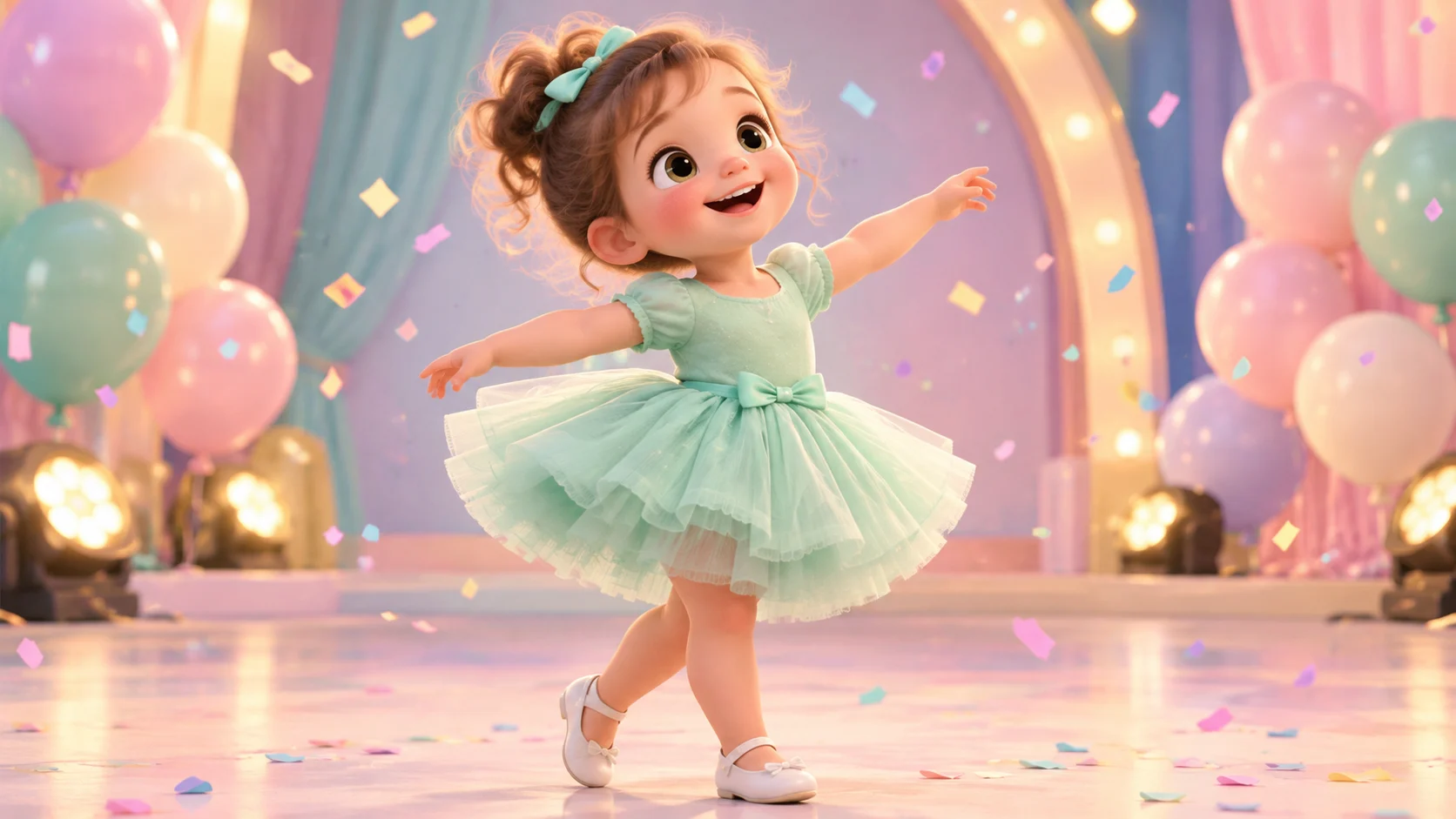
A cheerful toddler in a mint-green tutu dress performs a gentle K-pop bounce in a soft pastel studio with warm lights. Vertical 9:16 medium shot, subject centered, slow push-in. Keep the face and body proportions consistent, one subject only, natural hands and feet, no text, no logos, no watermark.
If the motion is too strong, change only the movement sentence. If the framing is wrong, change only the camera sentence. Changing five things at once makes it impossible to learn from the result. The prompt generator has copy-ready examples, and the Gemini and ChatGPT prompt guide explains how to draft a prompt in a chat tool before pasting it here.
What can you do with the finished clip?
- TikTok, Reels, Shorts: export vertical, keep the subject centered, and add music in the platform editor so the platform handles licensing.
- Birthdays and baby showers: see the birthday guide and the baby shower guide for occasion-specific prompts.
- Holiday posts: the Halloween guide and Christmas guide include 2026 costume and scene ideas.
- Family archives: download the file. Do not rely on the studio history as permanent storage.
Common questions
Is there a free trial?
No. New accounts start with 0 credits, there are no daily free credits, and the first clip is paid. The Try pack is a one-time $9.90 purchase for 600 credits, and unused credits can be refunded within the posted refund window. The free browser tools on this site are separate utilities and do not generate video.
Can I make a dance video without a photo?
Yes. Text to video needs no photo at all. Use it to test a concept or to make a stylized character clip. If you want a specific child or family member, switch to image to video and upload a photo you have the right to use.
Why does the face change between attempts?
Hosted video models are stochastic and providers update them. The same photo and prompt can produce a different result on a different day. Keep the prompt short, use a clear front-facing photo, and generate one draft before buying a larger pack. No current model guarantees a perfect likeness in every frame.
Can I publish a video of a child?
Only upload photos of children you are authorized to use, and think about who can identify the child before publishing. The site is a generation tool, not a social network. You control where the finished file is posted.
Which model runs the job?
The studio routes jobs through hosted video providers and currently uses a Kling-style model for the dance workflow. The active provider can change with service configuration. The studio shows the selected mode and cost before submission; it does not promise a specific render time.
Start with one draft
Open the dance studio, pick the mode that matches your input, and read the cost line before you submit. If you only have a photo, the photo to dance video guide walks through the first run step by step. If you want to understand the post-production options, the AI dance video editor covers inspection, conversion, GIF previews, and thumbnails.
![50+ Best AI Baby Dance Video Prompts That Actually Work [2026 Guide]](/imgs/blog/baby-dance-ai-prompts.webp)
![AI Baby Dance Video Generator: How to Make Your Baby Dance with AI [2026]](/imgs/blog/how-to-make-baby-dance-ai-video.webp)







