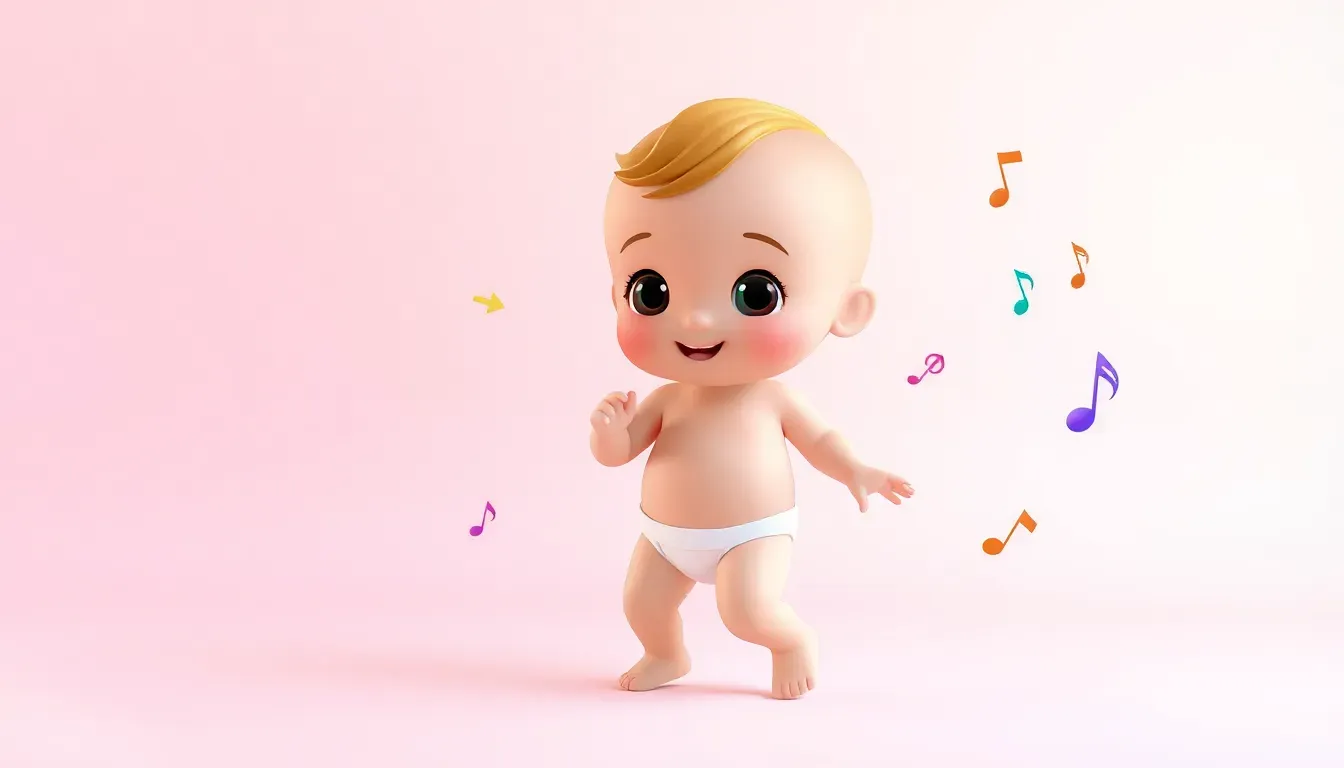
Want to create those viral AI dancing baby videos that are taking over TikTok, Reels, and YouTube Shorts? In this comprehensive tutorial, we'll walk you through the exact process that top creators use to make videos that get millions of views — and it's easier than you think!
🚀 Try It Now — No Skills Required
Ready to create your first AI baby dance video? Try our Baby Dance AI generator — upload any photo and get a dancing video in under 60 seconds!
TL;DR
Creating viral AI dancing baby videos is a 3-step process: 1) Generate or find a 3D baby character image using ChatGPT, 2) Find a trending dance video on TikTok with the movement you want to copy, 3) Use Kling AI's Motion Control feature to combine them. The result? Your AI baby perfectly mimics the dance moves from the reference video. Total time: 10-15 minutes. Cost: Free with daily credits or $10/month for unlimited use.
💡 What You'll Learn
- 🎨 How to create unique 3D baby character images using ChatGPT
- 🎵 Where to find the best trending dance videos on TikTok
- 🎬 Step-by-step Kling AI Motion Control tutorial
- 💰 How to do this completely free (or almost free)
- ⚡ Pro tips to get perfect results on your first try
- 🔥 How to add trending sounds and post for maximum views
Who Can Use This? Everyone!
These AI dancing videos aren't just for babies. You can use this technique to make:
- Babies and toddlers dance to trending music
- Celebrities and politicians do funny dance moves
- Original characters you create from scratch
- Pets with humanoid features
- Any character you can imagine
The viral potential is huge — creators are making thousands of dollars from these videos going viral on TikTok and Instagram.
Step 1: Create Your AI Character Image
First, you need a high-quality 3D character image. There are two approaches:
Option A: Use an Existing Character (Fast)
If you've seen a cute AI baby character you like:
- Take a screenshot of the character in a neutral, standing pose
- Make sure the character faces the camera directly
- The background should be clean or solid colored
Option B: Create Your Own Character (Recommended)
For truly unique content, create your own character using ChatGPT:
- Open ChatGPT and click the plus button
- Upload a reference image if you want a similar style
- Ask for prompts: "Give me 3 different prompts to create this kind of image with different outfits"
- Customize the prompt — change hairstyles, outfits, ethnicity, etc.
- Generate the image: Type "Create me an image" then paste the prompt
Pro Tip: Always specify:
- Image size: 9:16 for TikTok/Reels
- Style: 3D Pixar style, 3D cartoon, or realistic 3D
- Details: Clothing, hairstyle, accessories
Sample Prompt:
Create me an image of a cute African baby girl with long braided hair,
wearing a colorful traditional African outfit, standing in a dancing pose,
3D Pixar animation style, vibrant colors, neutral background.
Image size: 9:16 aspect ratio.
Step 2: Find Your Dance Reference Video
The magic of this technique is motion control — your AI character will copy the exact movements from a reference video. Here's how to find the best ones:
Where to Find Dance Videos
- TikTok trending sounds — Search for popular dance challenges
- Dance creators — Find creators who do clean, front-facing dances
- Viral dance compilations — Great for finding new trends
What Makes a Good Reference Video?
✅ Do use:
- Dancer facing the camera directly
- Clear, well-lit video
- Simple background
- Full body visible
- Steady camera (no shaking)
❌ Avoid:
- Moving camera angles
- Multiple dancers
- Extreme close-ups
- Dark or cluttered backgrounds
- Videos longer than 15 seconds (for free tier)
How to Download TikTok Videos
- Open the TikTok video you want
- Tap the Share button
- Select Save Video
- The video saves to your camera roll
Pro Tip: Keep reference videos under 15 seconds for free Kling AI credits. Shorter videos = less credits needed!
Step 3: Use Kling AI Motion Control
Now for the exciting part — making your character dance!
Setting Up Kling AI
- Download Kling AI from App Store or Google Play
- Register with your email
- You'll receive free credits to start (usually 66-100 credits)
Creating Your Dance Video
- Open Kling AI and find "Motion Control" (scroll horizontally in the menu)
- Tap Motion Control
- Upload your character image (the 3D baby you created)
- Tap "Add Motion Video" and select your dance reference video
- In the Prompt field, paste this exact text:
The character in the uploaded image should replicate the exact movement,
expression, and steps shown in the reference video- Tap Generate (costs 40-160 credits depending on video length)
- Wait for processing (2-10 minutes)
Understanding Credit Costs
| Video Length | Credits Needed |
|---|---|
| 5 seconds | ~40 credits |
| 10 seconds | ~80 credits |
| 15 seconds | ~120 credits |
| 30 seconds | ~160 credits |
Step 4: Add Trending Sound & Post
Your AI dance video is ready! Now make it viral:
Adding the Original Sound (TikTok)
- Go back to the original TikTok video
- Tap the spinning record icon at bottom (music button)
- Select "Use this sound"
- Tap Upload and select your AI video
- Align the dance with the audio
- Post with relevant hashtags!
Best Hashtags for AI Baby Dance Videos
#AIbabydance #KlingAI #AIart #babydancing #viralbaby
#AIvideo #dancechallenge #cutebaby #trending #fyp
Pro Tips for Viral Success
🎯 First Frame Matters
TikTok shows your first frame as the thumbnail. Make sure your baby character looks adorable from frame one!
⏰ Optimal Video Length
- 7-15 seconds performs best on TikTok
- Long enough to show the dance, short enough for replays
🔄 Regenerate If Needed
AI isn't perfect — sometimes you'll need to regenerate 2-3 times to get good results. This is normal!
📊 Best Posting Times
- 6-9 AM and 7-11 PM in your target timezone
- Post consistently — 1-2 videos per day
💡 Content Ideas That Go Viral
- Baby dancing to trending memes
- Baby "reacting" to songs
- Baby doing celebrity dances
- Multiple babies dancing together
- Holiday-themed dances
Frequently Asked Questions
Is Kling AI free?
Yes! You get free credits daily. For unlimited use, plans start around $10/month.
Can I use any photo?
For best results, use 3D-style character images. Real baby photos work but may look less polished.
Why does my video look weird?
Try regenerating! AI sometimes produces glitches. Also ensure your reference video has clear, steady movements.
Is this copyright safe?
Creating AI characters is fine. Be careful with music — use royalty-free sounds or properly licensed TikTok trending audio.
Ready to Go Viral?
Creating AI dancing baby videos is easier than ever. With just a few tools and 15 minutes of your time, you can create content that potentially reaches millions of viewers.
Create your first AI baby dance video now →
The trend is hot right now — don't miss out!
This tutorial is based on real techniques used by creators getting millions of views. Individual results may vary based on content quality, timing, and platform algorithms.
🔗 Keep Dancing: More Baby Dance AI Videos
Love this baby dance video? Explore more adorable dance content:
- Pixar-Style Baby Dance AI Prompts: Complete Collection 2026
- Singari AI Dance: Complete Guide to Indian Baby Dance Videos [2026]
- Singari AI Dance Tutorial 2026 – Create Viral Indian Baby Dance Videos
- Baby Dance AI Workflow: Step-by-Step Guide for Complete Beginners
- TikTok Viral Strategy: AI Baby Dance Videos That Get Millions of Views
- Baby Dance AI Complete 2026 Guide: Everything You Need to Know
👉 Browse all 📚 Guides & Tutorials on BabyDanceAI
🎬 Ready to create your own? Try BabyDanceAI →
![50+ Best AI Baby Dance Video Prompts That Actually Work [2026 Guide]](/imgs/blog/baby-dance-ai-prompts.webp)
![AI Baby Dance Video Generator: How to Make Your Baby Dance with AI [2026]](/imgs/blog/how-to-make-baby-dance-ai-video.webp)







