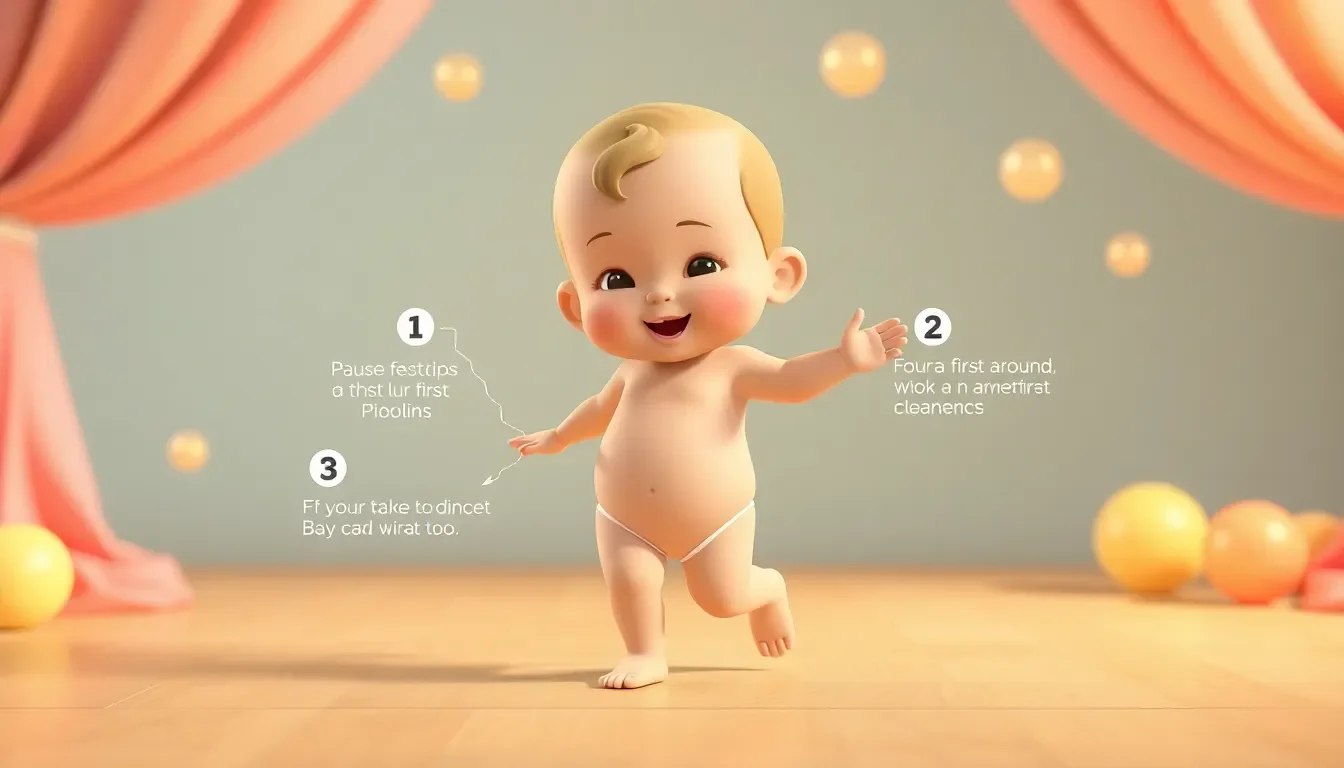
Baby Dance AI Workflow: Step-by-Step Guide for Complete Beginners
Never created an AI video before? No problem. This guide will take you from complete beginner to creating your first AI baby dance video in under 30 minutes—using free tools.
What You'll Create
By the end of this guide, you'll have:
- A cute 3D baby character
- An animated dancing video
- A TikTok-ready final product
No coding, no design skills, no expensive software required.
Tools We'll Use (All Free)
- ChatGPT - For creating prompts (free version works)
- Leonardo AI - For generating baby image (free tier)
- Jimeng AI - For creating animation (free)
- CapCut - For adding music (free app)
Let's begin!
Phase 1: Create Your Prompt (5 minutes)
Step 1.1: Open ChatGPT
Go to chat.openai.com and sign up or log in.
Step 1.2: Ask ChatGPT for a Baby Prompt
Copy and paste this request:
Create a detailed prompt for generating a 3D Pixar-style baby image.
The baby should be:
- Ultra cute and family-friendly
- Standing in a happy pose
- Wearing colorful clothes
- In a nursery or playroom setting
- Suitable for a dancing video

Make the prompt detailed with specific colors, lighting, and style instructions.
Include "9:16 aspect ratio" at the end.
Step 1.3: Save Your Prompt
ChatGPT will give you something like:
A charming 3D Pixar-style baby with rosy cheeks, big sparkling eyes,
and a joyful smile. Wearing a bright yellow onesie with a small
rainbow on the chest. Chubby arms and legs in a happy standing pose.
Set in a cozy nursery with soft pastel walls and plush toys in the
background. Soft natural lighting from a window, creating gentle
shadows. Ultra-clean 3D render, Disney-quality animation style,
wholesome and cheerful mood. 9:16 aspect ratio.
Copy this prompt—you'll need it next.
Phase 2: Generate Your Baby Image (10 minutes)
Step 2.1: Create Leonardo AI Account
- Go to leonardo.ai
- Click "Sign Up"
- Use Google account for fastest signup
- You get 150 free credits daily
Step 2.2: Start New Generation
- Click "Create New Image"
- Select a model (Leonardo Diffusion XL works well)
- Set aspect ratio to "Portrait" (9:16)
Step 2.3: Enter Your Prompt
- Paste the prompt from ChatGPT
- Set number of images to 4
- Click "Generate"
- Wait 30-60 seconds
Step 2.4: Select Best Image
- Review all 4 generated images
- Pick the cutest one
- Click on it to enlarge
- Click "Download" button
- Save to your computer/phone
Pro Tip: If none look right, generate again. It's free!
Phase 3: Find a Dance Reference (5 minutes)
Step 3.1: Browse TikTok
Open TikTok and search for:
- "Easy baby dance"
- "Cute dance challenge"
- Current trending dances
Step 3.2: Choose a Simple Dance
Look for:
- Clear, visible movements
- Single person dancing
- Good lighting
- 10-15 second duration
- Simple, repetitive moves
Step 3.3: Save the Video
- Tap "Share" on the TikTok
- Select "Save Video"
- Video saves to your camera roll
Note: You're using this as reference for AI animation, not republishing it.
Phase 4: Create the Animation (10 minutes)
Step 4.1: Access Jimeng AI
- Go to jimeng.jianying.com
- Create account (may need Chinese phone or WeChat)
- Use translation if needed (Chrome auto-translate helps)
Alternative: Use Kling AI or similar tools
Step 4.2: Upload Your Image
- Find "Image to Video" feature
- Click "Upload Image"
- Select your baby image
- Wait for it to process
Step 4.3: Configure Animation
- Upload reference dance video (if supported)
- OR write a simple motion prompt: "Happy baby dancing, moving arms and body to music, joyful expression"
- Set duration to 5-10 seconds
- Click "Generate"
Step 4.4: Wait for Processing
- Generation takes 2-5 minutes
- Don't close the tab
- Result will appear when ready
Step 4.5: Download Result
- Preview the animation
- If happy, click "Download"
- If not, try again with different settings
Phase 5: Add Music & Finish (5 minutes)
Step 5.1: Open CapCut
Download CapCut if you haven't:
Step 5.2: Create New Project
- Open CapCut
- Tap "New Project"
- Select your animated video
Step 5.3: Add Trending Music
- Tap "Audio"
- Tap "Sounds"
- Browse trending TikTok sounds
- Select one that matches your dance
- Add to timeline
Step 5.4: Sync the Beat
- Play video with sound
- Adjust timing if needed
- Trim to best 7-15 seconds
- Make sure movement matches beats
Step 5.5: Final Touches
- Add text overlay (optional): "POV: AI baby has moves 💃"
- Add filters if desired
- Preview full video
- Tap "Export" (1080p is fine)
Step 5.6: Save Without Watermark
CapCut may add watermark. To remove:
- Watch a short ad, OR
- Trim off last second with watermark
Phase 6: Post to TikTok
Step 6.1: Open TikTok
- Tap "+" button
- Select "Upload"
- Choose your video
Step 6.2: Add Details
Caption example:
This baby has better moves than me 😂💃
#AIBaby #DancingBaby #CuteBaby #FYP #Viral
Step 6.3: Settings
- Add trending sound again (even if already in video)
- Enable comments
- Set visibility to "Everyone"
Step 6.4: Post!
Hit "Post" and you're done! 🎉
Troubleshooting Common Issues
"My baby image looks weird"
Solution: Add more specific details to your prompt. Include:
- "Realistic baby proportions"
- "Chubby cheeks and limbs"
- "Pixar/Disney quality"
"Animation is too short"
Solution: Loop the video in CapCut:
- Copy the video clip
- Paste it after itself
- Add transition between copies
"Dance doesn't match the beat"
Solution: Use CapCut's beat detection:
- Add your sound
- Tap "Beat" under audio
- Tap "Auto-generate beats"
- Align video with marked beats
"Video quality is low"
Solution:
- Use higher resolution image generation
- Export at 1080p in CapCut
- Avoid screenshots; always download properly
"Jimeng AI won't work for me"
Alternatives:
- Kling AI (klingai.com)
- Pika Labs (pika.art)
- Runway ML (runwayml.com)
Your First Video Checklist
Before posting, verify:
- Baby looks cute and consistent
- Animation is smooth
- Music matches movement
- Video is 9:16 vertical
- Length is 7-15 seconds
- No visible watermarks
- Caption has hashtags
- You're posting at good time (evening)
What's Next?
After your first video:
- Wait 24 hours - See how it performs
- Engage with comments - Reply to everyone
- Make another video - Consistency matters
- Try different styles - Test what works
- Build your character - Keep same baby for brand
Common Questions
"Do I need to pay for anything?"
No! Everything in this guide uses free tools. You can create unlimited videos at zero cost.
"How long until I go viral?"
There's no guarantee. Some videos hit millions, others get 200 views. Keep creating—viral success often comes unexpectedly.
"Is this ethical to post?"
Yes, as long as you:
- Don't claim it's a real baby
- Create original content
- Follow platform guidelines
- Keep it family-friendly
"Can I monetize this content?"
Yes! Once you reach TikTok's requirements (10K followers, 100K views), you can join the Creator Fund and earn money.
Congratulations! 🎉
You just created your first AI baby dance video! What seemed impossible is now a skill you have.
Keep practicing, stay consistent, and watch your content improve with each video you make.
Ready for the next level? Check out our advanced Baby Dance AI features to create even better content!
This guide was created for complete beginners. Results may vary based on tools and creativity.
🔗 Keep Dancing: More Baby Dance AI Videos
Love this baby dance video? Explore more adorable dance content:
- AI Baby Dance Music Selection: Best Songs & Audio Tips [2026]
- AI Baby Dance TikTok Trends 2025 — What's Going Viral Right Now
- AI Baby Dance Video Editing Tips: Pro-Level Results [2026]
- AI Baby Singing Video Generator: Create Music Videos [2026]
- Baby Dance AI Batch Creation: Make 100 Videos Per Day [2026]
- Baby Dance AI Complete 2026 Guide: Everything You Need to Know
👉 Browse all 📚 Guides & Tutorials on BabyDanceAI
🎬 Ready to create your own? Try BabyDanceAI →
![50+ Best AI Baby Dance Video Prompts That Actually Work [2026 Guide]](/imgs/blog/baby-dance-ai-prompts.webp)
![AI Baby Dance Video Generator: How to Make Your Baby Dance with AI [2026]](/imgs/blog/how-to-make-baby-dance-ai-video.webp)







