Quick answer
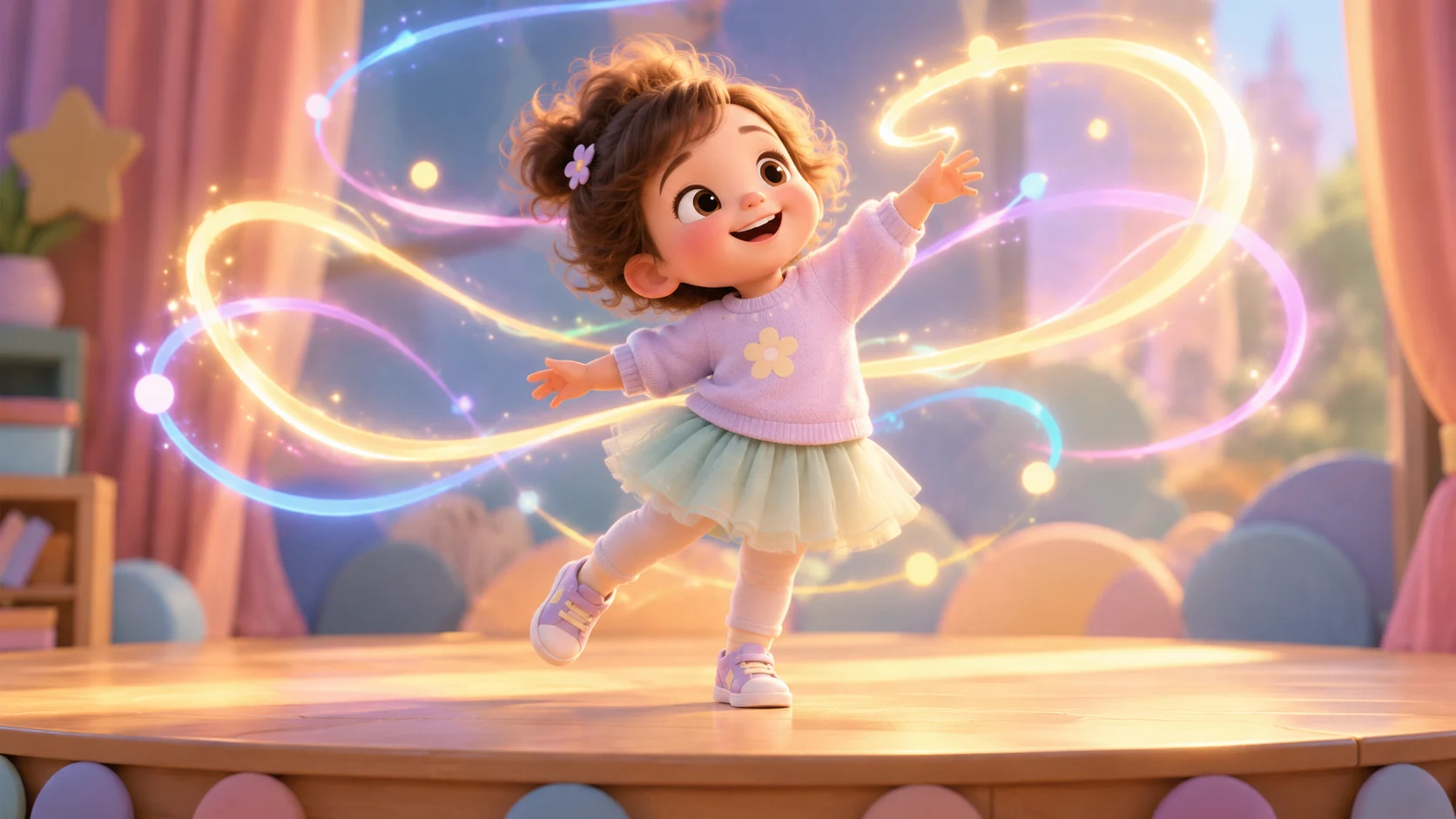
Text to dance video creates a short dance clip from a written description. You do not need a photo or a reference video. You write the subject, the dance style, the movement, the setting, and the camera, and the studio sends that prompt to a hosted video model. The result is a 5-second or 10-second clip you can download.
This mode is best for testing an idea, making a stylized character clip, or producing a loop when you do not have a usable photo. If the clip needs to feature a specific child or family member, use photo to dance video instead.
What should a text-to-dance prompt contain?
A reliable prompt has five parts. Keep each part to one sentence.
| Part | What to write | Example |
|---|---|---|
| Subject | Who is dancing and one identifying detail | A cheerful toddler in a mint-green tutu dress |
| Style | One dance style | A gentle K-pop bounce |
| Movement | Intensity and one action | Slow, controlled arm movements; no jump |
| Setting | One room or scene, one lighting note | A soft pastel studio with warm lights |
| Camera | Format and one camera move | Vertical 9:16 medium shot, slow push-in |
A full example:
A cheerful toddler in a mint-green tutu dress performs a gentle K-pop bounce in a soft pastel studio with warm lights. Slow, controlled arm movements, no jump. Vertical 9:16 medium shot, subject centered, slow push-in. Keep the face and body proportions consistent, one subject only, natural hands and feet, no text, no logos, no watermark.
The prompt is written in English because hosted video models generally follow English instructions most consistently. You can write your notes in any language and translate the final prompt.
What does it cost?
Text to video uses the same credit pricing as image to video:
| Duration | No audio | With audio |
|---|---|---|
| 5 seconds | 300 credits | 600 credits |
| 10 seconds | 600 credits | 1,200 credits |
The studio prints the cost of the current setting before you submit. There are no free credits; the Try pack is $9.90 one-time for 600 credits, enough for two standard 5-second clips. The pricing page lists every pack and plan.
Text to dance video vs. image to dance video
| Text to dance video | Image to dance video | |
|---|---|---|
| Input | A written prompt | A photo + a prompt |
| Subject | Generated by the model | The person in the photo |
| Best for | Concept tests, stylized characters, loops | A specific child, a family member, a real portrait |
| Identity | No real identity to preserve | The model tries to preserve the photo's subject |
| Cost | Same per duration | Same per duration |
Use text to video to answer "does this costume and setting read well in five seconds?" Once the idea works, switch to image to video if you want a real child in the clip.
Five prompt mistakes that produce a bad clip
- Stacking styles. "K-pop, ballet, and hip-hop" produces an unclear blend. Pick one.
- Asking for a story. A 5-second clip cannot show a beginning, a middle, and an end. Describe one moment.
- Too many people. One subject is the reliable default. Group scenes increase face-swap and limb errors.
- No camera instruction. Without a framing sentence, the model may crop the subject or drift wide.
- No guardrails. Add "one subject only, natural hands and feet, no text, no logos, no watermark" to reduce common failures.
If the first draft is not usable, change one part of the prompt and generate again. Changing five parts at once makes it impossible to learn what helped. The prompt generator builds the five parts for you, and the Gemini and ChatGPT guide shows how to draft and refine the wording in a chat tool.
What can you do with a text-generated clip?
- Test a holiday idea before buying a costume. See the Halloween guide and Christmas guide.
- Make a stylized character loop for a landing page or a background video.
- Prototype a dance challenge before filming a real version with a child.
- Create a vertical clip for TikTok, Reels, or Shorts. Keep the subject centered and add music in the platform editor.
Text-generated clips are also useful when privacy matters: if you do not want a real child's face in the model, describe a character instead of uploading a family photo.
Common questions
Do I need a photo for text to dance video?
No. The prompt is the only required input. A photo is only needed for image-to-video and motion-control jobs.
How long should the prompt be?
A focused 60-100 word prompt is usually more reliable than a long list. The studio accepts up to 2,000 characters, but length is not a quality signal. One subject, one style, one setting, one camera.
Can I choose the dance style?
Yes. Name a style the model recognizes: K-pop, hip-hop, ballet, salsa, disco, or a simple freestyle. Avoid multi-style prompts.
Is text to video cheaper?
No. The same duration costs the same number of credits. The difference is the input, not the price. Check the cost line in the studio before submitting.
Can I add music?
Add music in the platform editor after export. The studio's audio option, where available, generates audio with the clip and costs more; it is not a licensed music library. For commercial posts, use the platform's licensed music.
Next step
Open the dance studio, choose text to video, and paste a five-part prompt. If you want a real child in the result, move to photo to dance video. For the full mode comparison, read the AI dance video generator guide.
![50+ Best AI Baby Dance Video Prompts That Actually Work [2026 Guide]](/imgs/blog/baby-dance-ai-prompts.webp)
![AI Baby Dance Video Generator: How to Make Your Baby Dance with AI [2026]](/imgs/blog/how-to-make-baby-dance-ai-video.webp)







