- Credits per clip
- 300
- Total credits
- 600
- Clips covered by one 600-credit pack
- 2
- 600-credit packs needed
- 1
A failed generation does not consume credits, but a retry is another full-cost job: budget the retries you expect, not the clips you hope for.
If you searched "baby dance AI" and landed on a store page, you have probably noticed that the listing is not really answering your question. It shows a screenshot of a dancing baby, a star rating, and a subscription price. It does not show what the clip will cost to make, whether the face will hold, or whether the export carries a mark.
That gap is the whole decision. This article compares the two ways people actually make these clips — a phone app from an app store, or a browser studio — using what the public listings and pages actually state, and what they leave out. The goal is a checklist you can run in two minutes, not a ranking of brands.
What the store listings actually give you
Search results for "baby dance ai" in November 2026 were led by app-store pages: "Baby Dance AI Video Maker" on the App Store, "Baby Dance - AI Funny Dance" on Google Play, and a second Google Play listing under a similar name. Behind them sat browser tools — Viggle's AI dance page, Fotor's AI baby dance page, BabyBoogey, freebeat — plus TikTok and YouTube clips showing the trend in action.
Read the two groups side by side and the difference is structural, not cosmetic:
| What you want to know | App-store listing | Browser studio |
|---|---|---|
| Install required | Yes, plus updates and permissions | No |
| Price of one clip | Usually unstated; a bundle or subscription is shown | Usually shown as credits before generation |
| Photo handling | Stated in the privacy policy, rarely in the listing | Stated in the privacy policy; upload happens per session |
| Export quality | Often described as "HD" without resolution | Resolution tied to the mode, e.g. 720p or 1080p |
| Watermark | Sometimes visible in screenshots, not always stated | Stated next to the export |
| Refund path | Store mediation (Apple or Google) | Merchant policy page |
| Works on a laptop | No | Yes |
None of those rows say an app is bad. They say the listing is a shopfront, and the shopfront is optimised for installs.
The install decision is a permission decision
Installing an app grants it a durable place on your phone. On iOS that means a bundle identifier, an update channel, and whatever permissions you accept — photo library, camera, notifications. On Android it means storage and media permissions that have been the source of most of the "why does a dance app want my contacts" reviews.
A browser studio asks for one permission at a time: the file picker opens, you choose one photo, and the page gets that file. Nothing persists between sessions unless you sign in to keep your credits.
That difference matters more for this product than for most, because the input is a photo of a child. If the photo is of your own child, you are the guardian and you can consent. If it is a niece, a friend's baby, or a photo you found, the consent question is separate from the app choice, and no listing answers it for you. We wrote a separate guide on photo consent and platform rules because it is the part people skip.
What the trend actually is, technically
Every one of these products is doing the same three-step job:
- Take a still image (or a text description) as the subject.
- Drive a short, low-amplitude dance motion — usually a sway, a bounce, or a simple two-step — for five to ten seconds.
- Return a vertical-ready video file.
The differences are in step 2. An app that ships fixed templates is choosing the motion for you. A studio that exposes text-to-video and image-to-video modes is asking you to describe it, and a motion-control mode lets you hand over a reference clip whose movement is transferred onto the image.
That is why two clips of "the same trend" can look nothing alike, and why the app name in a TikTok comment is a poor guide. The trend is a motion pattern plus a song, not a brand.
The cost question nobody puts on the listing
Baby Dance AI publishes its deduction table, so the arithmetic is checkable rather than guessed:
- Text-to-video or image-to-video, 5 seconds, no audio: 300 credits
- The same clip with generated audio: 600 credits
- 10 seconds: 600 credits, or 1,200 with audio
- Motion control, standard 720p: 500 credits
- Motion control, pro 1080p: 1,000 credits
The entry pack is $9.90 for 600 credits, and a new account starts at zero credits — there is no free generation to test with. So the honest first-purchase question is not "how much is the app" but "how many clips does one pack actually buy at the settings I want". At the cheapest setting that is two 5-second clips; at motion-control pro it is zero whole clips, and you would need two packs for one.
You can run that arithmetic yourself for the settings you intend to use:
The planner above reads the same credit table the generator deducts from. Change the mode and watch how fast a 600-credit pack stops covering what you planned — that is the number most listings hide.
Where an app genuinely wins
Being fair to the app route: if your entire workflow is phone-only, an app removes friction. Camera roll access is one tap, drafts stay on device, and posting to TikTok or Reels happens in the same place. For creators publishing several clips a day, that shortcut is real value.
Browser tools win on a different axis: they can show you the credit cost before you commit, they can run on a laptop where you actually edit, and they can embed free utilities next to the paid generation so you are not paying credits to resize a file. This site, for example, ships browser-side image and video tools that never touch a paid endpoint.
A reasonable split: browse and generate on the web where the price is visible, then edit and schedule on the phone with whatever app you already trust.
A two-minute check before you install or pay
Run these seven checks in order. They are all answerable from public pages.
- Does the listing state the export resolution? "HD" is not a resolution. 720p and 1080p are.
- Does it state the cost of one generation in credits or dollars? If the answer is only a subscription price, you cannot budget.
- Is there a watermark, and is it stated or only visible in screenshots? Zoom the store screenshots.
- What does the privacy policy say about photo retention? "We may store uploads to improve the service" is a different answer from "deleted after processing".
- Do you need an account before you can see a price? If yes, the price is not part of the pitch.
- What is the refund route? App-store mediation and merchant refund are different processes with different timelines.
- Does it work without the install? Try the browser version first; if the studio shows you the credit cost and accepts a photo, you have your answer for one clip.
That last check is the cheapest experiment available. It costs nothing to look at a price table.
What the screenshots do not show
Store screenshots are chosen. They show the best frame from the best generation, at a size that hides artefacts. Three things are consistently invisible:
- Identity drift. Faces can slide between frames on longer durations. This is the single most common complaint in reviews of every one of these products, app or web, because it is a property of the model, not the shopfront.
- Hand and limb artefacts. Fast arm movement is where short-video models still fail.
- The retry count. A good clip is often the second or third attempt. Every attempt is another full-cost job unless the service says otherwise.
Knowing that changes how you read a glowing review and a scathing one. Both may be describing the same tool on different attempts.
The honest summary
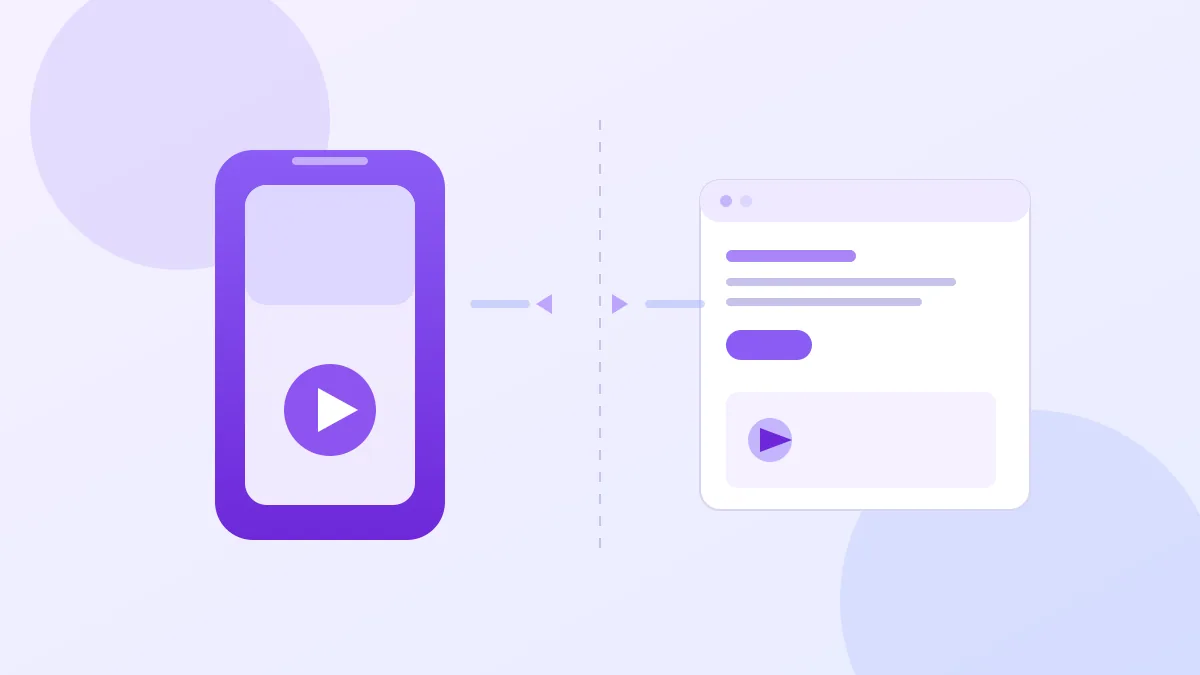
The app-versus-browser question is really three questions: do you want an install, do you want the price before you press go, and where will you edit. Answer those and the choice makes itself.
If you are making one clip for a birthday or a baby shower, a browser studio with a visible credit table is the lower-commitment path — you can read the mode comparison before spending anything. If you are publishing daily and editing on the phone, an app earns its place.
What no listing will do for you is decide whether the photo should be used at all. That is the topic of its own guide, and it is worth reading before the first upload.
Frequently asked questions
What app makes the AI baby dance video?
Search results for "baby dance ai" are dominated by app-store listings — including "Baby Dance AI Video Maker" on the App Store and "Baby Dance - AI Funny Dance" on Google Play — plus browser tools such as Viggle, Fotor, and BabyBoogey. There is no single official app: the trend spread across several apps and video models, so the app name you see in a TikTok comment is usually just whoever made that one clip.
Do I need to install an app to make one?
No. A browser studio can take a photo upload, run the generation on the provider side, and hand back a downloadable file without an install. An app is worth installing when you want offline drafts, camera-roll shortcuts, or repeat posting from the phone. For a single clip, the install is optional work.
Why do app listings not show the price per clip?
Store listings usually advertise a subscription or a credit bundle, not the cost of one generation. That number depends on the model, the duration, and whether audio is generated, so it changes per job. A studio that prints the credit cost before you press generate is telling you more than a listing that prints "$X per week".
Is a free app actually free?
A free download is not the same as a free generation. Many listings use a free tier to let you make a watermarked or short sample, then sell credits or a subscription for the export. Read the in-app purchase list on the store page before you install, and check whether the export carries a mark.
Can I use the same photo in an app and a browser tool?
Yes, as long as you own the photo or have the guardian's permission to use it. Both routes upload the image to a server for processing, so the question that matters is not app versus browser but who stores the upload and for how long. Check the privacy policy for photo retention.